
LightSweep® CLCTSIX

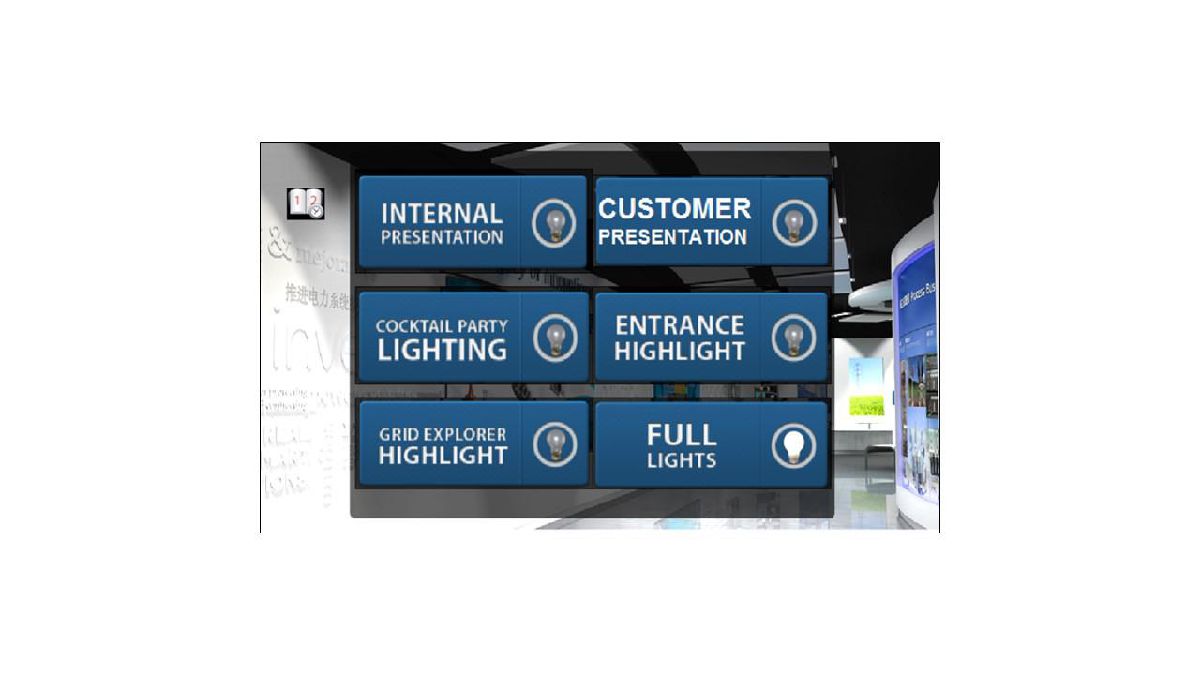
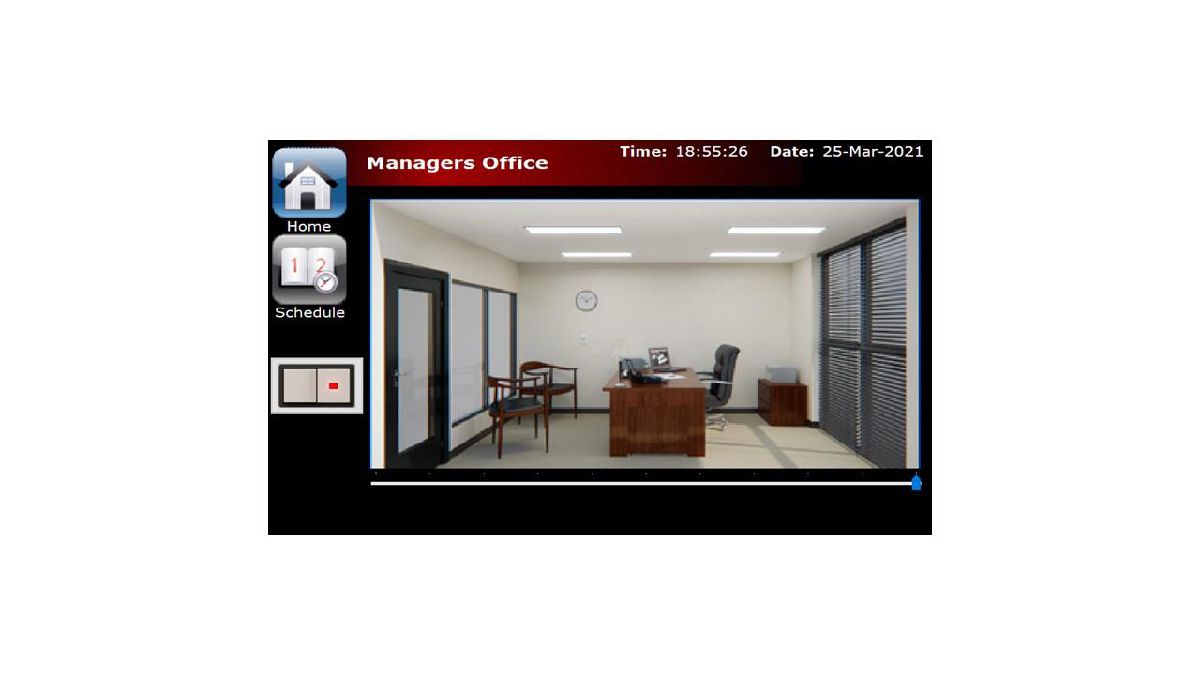
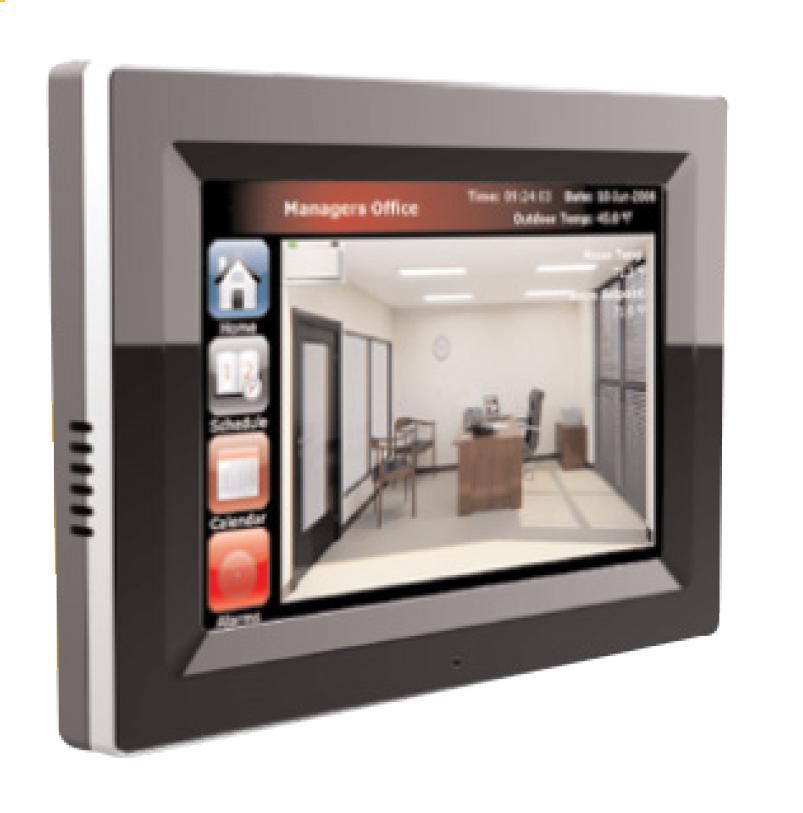
The LightSweep CLCTSI is a 7 inch BACnet touchscreen that can accommodate multiple custom graphics with active buttons to control multiple zones.

UL_Icon

Features & Benefits

  • High resolution, wide-screen display
  • Touch screen interface, no stylus required
  • Attractive, modern design, install in any location
  • Panel, wall, new and retrofit wallboard mounting
  • Create custom graphics using our software
  • Modify controller schedules and calendars
  • Change setpoints, monitor inputs and outputs
  • Multiple users and passwords for restricting access

Specifications

Brand
LIGHTSWEEP
Color Offering
Black
Mounting Options
Surface Mount
Operating Temp
0 to 40 °C
Width
8.2
Weight
1.01
Certifications
cULus, CE, Title 20, FCC
Ratings
RoHS
Warranty
1 year limited warranty

Product Documents

Brochures / Catalogs

CLCTSI-1 BACnet Touchscreen Controller with Programmable Custom Graphics

CLCTSI-1 can be deployed with multiple custom graphic screens with ON/OFF or preset buttons, allowing to monitor and control the LightSweep system through a simple interface. Users can be assigned different permissions so they can access only the associated screens.

CLCTSI-2 Adds System Scheduling Capability

The CLCTSI-2 touchscreen, beside the ON/OFF and preset control includes links to system schedules, allowing to reprogram the system through a custom user interface.

CLCTSI-3 with Embedded Webserver

The CLCTSI-3 has similar functionality to CLCTSI-2, but all graphic screens are available through any web browser.

Confirm Action

Are you sure you want to proceed?

This action cannot be undone.

Edison

Ask Edison anything.

Ask me to provide details on any specific products, solutions, documents, images, or any other items you need.

Edison

Ask Edison anything.

Ask me to provide details on any specific products, solutions, documents, images, or any other items you need.

Maximize Your Results with Ask Edison

To get the most accurate and helpful results, try these tips:

Be specific: Ask direct questions or make clear statements.

Examples:“Which product is better for outdoor lighting in a parking lot?” or “What are the options for efficient office lighting?” or “Give me details about Daintree Controls.”

Provide details: Mention model numbers, product descriptions, or relevant documents needed.

Examples: “What are the features of Albeo PHB Linear High Bay” or “Show me the Daintree One Wireless Spec Sheet CTRL029”

Whether you're searching for lighting specs, installation guides, or troubleshooting help – Edison is here to make your experience intuitive, intelligent, and productive.

Edison

CurrentIQ