

Daintree® WGA100

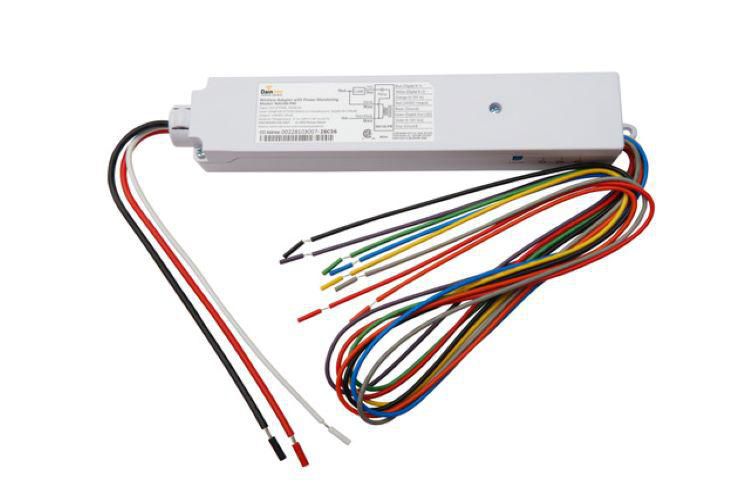
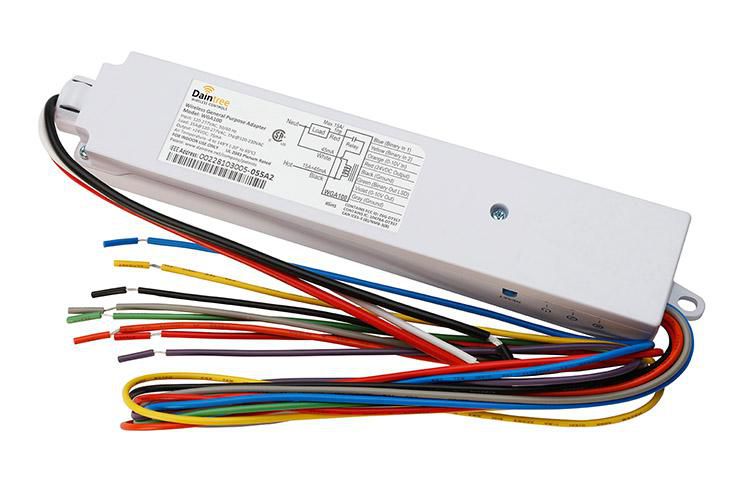
The WGA100 general purpose adaptor provides On/Off switching and 0-10V analog control of devices such as pumps, motors and fans on the Daintree Networked platform.

DLC_Standard_Icon Daintree_Icon

Features & Benefits

  • Works on Daintree Networked Wireless Controls System
  • WGA100 can be used to wirelessly control devices such as pumps, motors and contactors
  • Provides power for low voltage sensors, switches, and analog control signals and provides the wireless adaptation that enables them to communicate with the rest of the Daintree Networked wireless control solution
  • AC powered device that provides On/Off switching and 0-10V analog control as well as reporting and monitoring capability of binary and 0-10V analog signal inputs for non-lighting applications
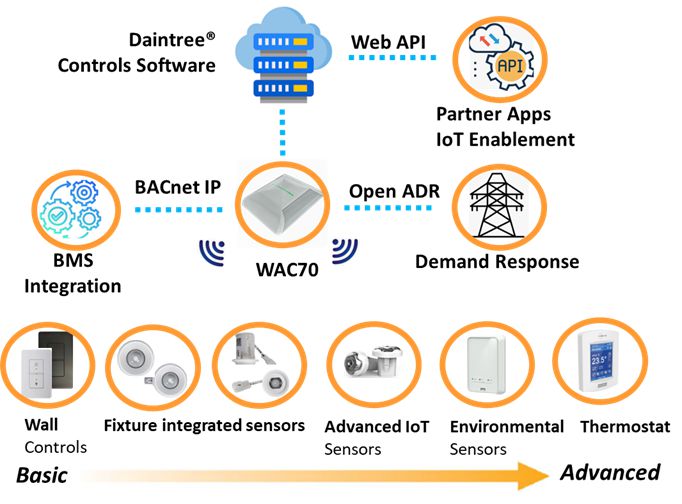
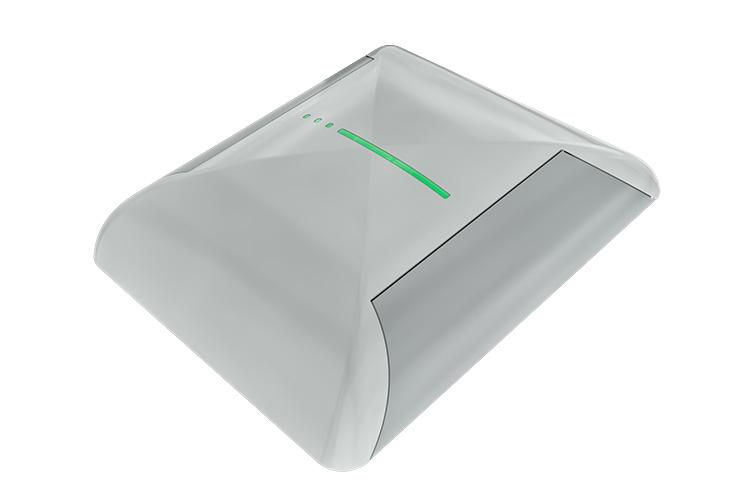
  • The control signals to and from these devices pass between the WGA100 and the Wireless Area Controller (WAC60) in the Daintree Networked platform

Specifications

Component Type
Adapter
Brand
DAINTREE
Color Offering
White
Mounting Options
Snap-in 1/2” nipple for junction box mount, Screw tab and optional mounting bracket
Product Technology
Daintree®
Voltage Offering
120-277 VAC 50/60Hz
Operating Temp
-20 to 65 °C
Width
1.7
Certifications
CSA, DLC, FCC
Ratings
Dry
Warranty
5 year limited warranty

Control BMS Devices on One Control Platform

The WGA100 provides On/Off switching and 0-10V analog control as well as reporting and monitoring capability of binary and 0-10V analog signal inputs for a variety of building applications.

Real-Time Monitoring

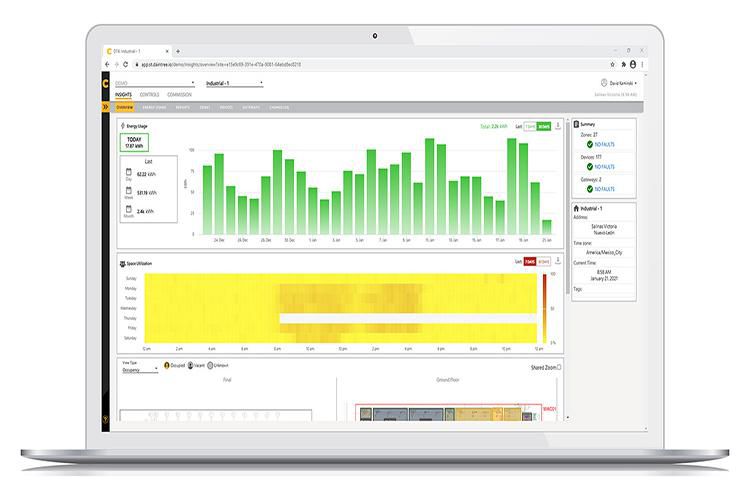
Binary outputs can be used to wirelessly control devices such as pumps, motors and contactors, while connecting a device to one of the low voltage binary inputs allows the Daintree Controls Software application to report the On/Off state of the attached device.

Reporting Capabilities

The 0-10V analog output can be used to wirelessly control the variable speed of a fan, while connecting the 0-10V analog input to a multi-state device, such as a temperature sensor, allows CSM to report the current temperature in real-time.

Related Products

Confirm Action

Are you sure you want to proceed?

This action cannot be undone.

Edison

Ask Edison anything.

Ask me to provide details on any specific products, solutions, documents, images, or any other items you need.

Edison

Ask Edison anything.

Ask me to provide details on any specific products, solutions, documents, images, or any other items you need.

Maximize Your Results with Ask Edison

To get the most accurate and helpful results, try these tips:

Be specific: Ask direct questions or make clear statements.

Examples:“Which product is better for outdoor lighting in a parking lot?” or “What are the options for efficient office lighting?” or “Give me details about Daintree Controls.”

Provide details: Mention model numbers, product descriptions, or relevant documents needed.

Examples: “What are the features of Albeo PHB Linear High Bay” or “Show me the Daintree One Wireless Spec Sheet CTRL029”

Whether you're searching for lighting specs, installation guides, or troubleshooting help – Edison is here to make your experience intuitive, intelligent, and productive.

Edison

CurrentIQ